As teaching at the Department of Information and Communication Systems takes place via a modern remote learning format (using Microsoft Teams), your workspace should be as comfortable and productive as possible.
Here are a few tips from our lecturers and students:
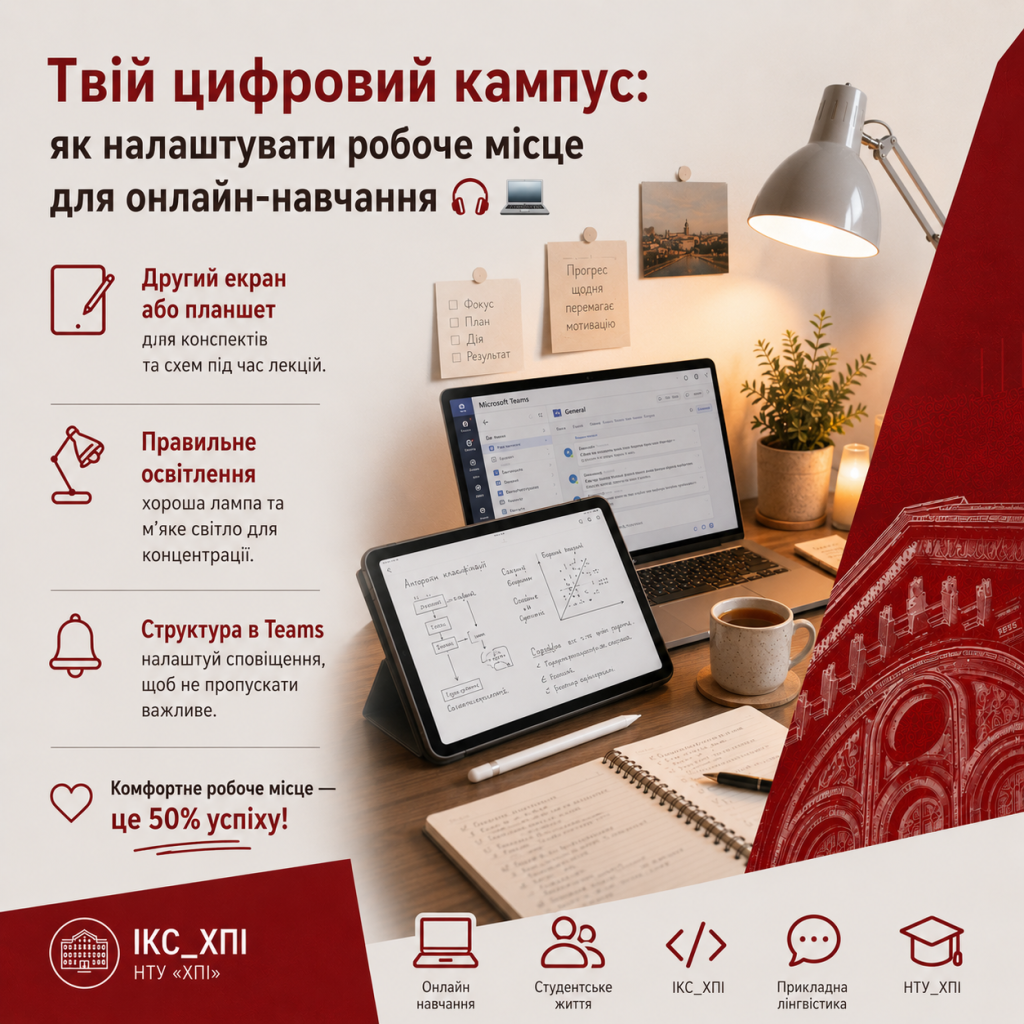
▫️ A second screen or tablet:
Using a large smartphone or tablet with a stylus for taking notes and drawing diagrams during online lectures makes it much easier to absorb the material.
▫️ Proper lighting:
Make sure you have a good desk lamp and comfortable ambient lighting, as working with code and texts requires concentration.
▫️ Organisation in Teams:
Set up notifications for your course channels straight away so you don’t miss important announcements, but also have time to relax.
A comfortable workspace accounts for 50 per cent of your success.